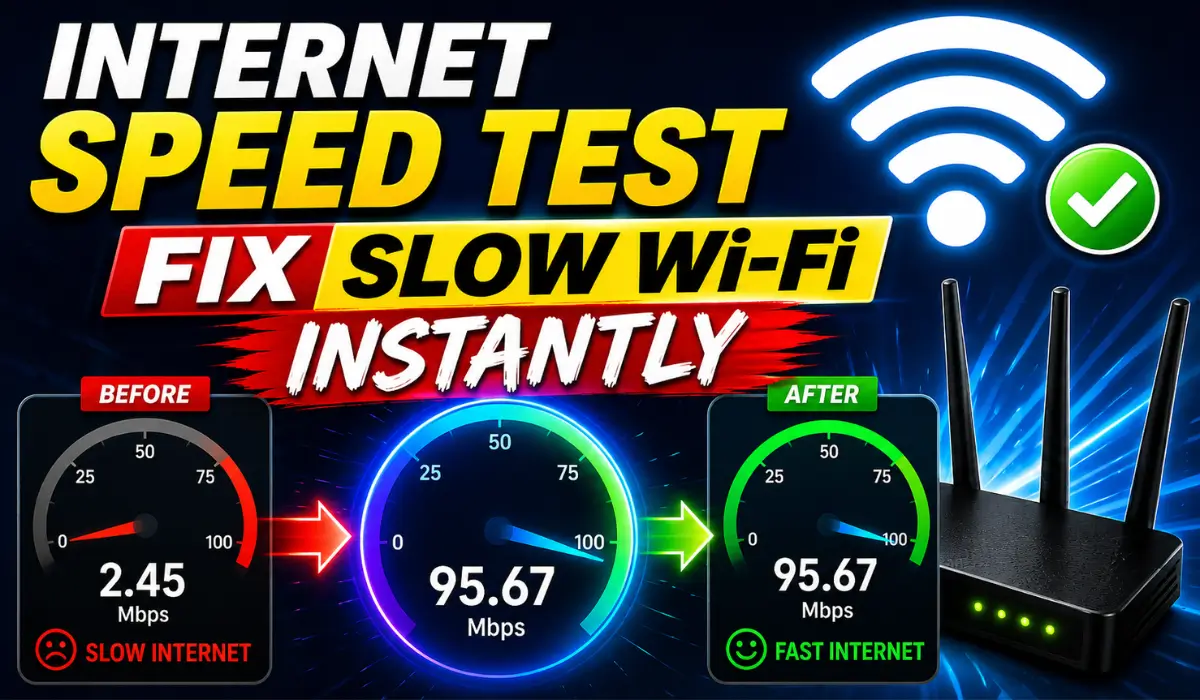
Internet Speed Test – Fix Slow Wi-Fi Instantly 2026


 May 7, 2026 6:45 am
Ever opened your routers admin panel at 10.0.0.1 and wondered why your actual internet speed feels nothing like what your ISP promised? You are not alone. Whether you are troubleshooting a slow connection or just trying to understand what your network is actually doing, knowing how to read and run an internet speed test is the first step.
Your router config page tells you a lot but it does not tell you everything. For the full picture of your download speed, upload speed, ping, and jitter, you need a proper speed test. Here is your tool to check it right now:
Disclaimer
This website is created for educational purposes only, and all content is originally written by Arif Khan nothing is copied from any source. We are not affiliated with any brand or company mentioned here. If you have any concerns, please contact us directly before taking any legal action.
What Is An Internet Speed Test?
Running an internet speed test felt pointless to me the first time until I realized my ISP was advertising a maximum speed I was never actually getting. That gap between what your internet plan promises and what your connection actually delivers is exactly what a speed test exposes.
When you run one, it pulls real-time data on your download speed, upload speed, ping, latency, and jitter all measured in Mbps or Mbit/s.
| Metric | What It Measures | Ideal Value |
|---|---|---|
| Download Speed | Data received per second | Higher is better |
| Upload Speed | Data sent per second | Higher is better |
| Ping | Interval between packet sent and response | Lower is better |
| Jitter | Time gap between data packet arrival | Lower is better |
Your Internet service provider will almost never volunteer this information, but your speed test results will tell the full story of your network performance, which can also help you evaluate and optimize your Router Security Settings for a safer and more stable connection.
3 Ways to Test Out Your Internet Speed
Most people just hit “Go” on a speed test without any preparation and then wonder why their results look off. Here is what actually works:
Cable Connection Instead of WLAN
Ditch the WLAN and plug your computer directly into the router using a network cable. Unplug all other devices and turn off the WLAN feature entirely this isolates your connection and gives you a clean, accurate reading.
Keep Computer Up to Date
Make sure your operating system and browser are fully current with no pending update. Do a full restart, then open a fresh browser Chrome, Edge, or Firefox all work fine.
Perform Speed Test
Head to your speed test page and run 2-3 measures back to back. Multiple measures help you catch inconsistencies and confirm whether any issues are real or just a one-time blip.
What To Look At During The Speed Test?
Not all speed test results are equal and your setup matters more than most people think.
| Setup Factor | Recommendation |
|---|---|
| Connection Type | Always use LAN with at least Cat 5e cable |
| WLAN Testing | Avoid results are poor and inexact |
| Number of Devices | Disconnect all other devices before testing |
| Browser | Test across different web browsers for accuracy |
| Hardware Limit | Most routers cap real-world speeds at 940 Mbit/s despite a 1,000 Mbit/s rating |
Run your test across different devices and web browsers for a fuller, more accurate picture of your connection and network performance, especially when accessing the 192.168.100.1 Login Admin panel to manage your router settings effectively.
Why is My Wi-Fi Slow?
Slow Wi-Fi rarely has one single cause. From my own experience troubleshooting home networks, the first things worth checking are router location and the distance between it and your device. The further away you are, the weaker your connection becomes.
| Common Cause | Quick Fix |
|---|---|
| Router placement | Move router to a central location |
| Too many connected devices | Disconnect unused devices |
| WLAN interference | Switch to a wired Ethernet cable connection |
| Outdated hardware | Upgrade router or network card |
If you are hitting a wall with wireless performance, the most reliable fix is a hard wire connection using an Ethernet cable. It cuts out the WLAN variables and almost always brings your results closer to what your internet plan actually promises, especially when managing features like Piso WiFi Pause time to maintain better control over your network usage.
What Is the Impact of Internet Speed On Your Online Experience?
Think of your internet connection the way you think of merging onto a freeway or interstate highway speed directly determines how quickly you reach your destination.
Most people never stop to ask what maximum speed their connection is actually capable of, or whether their speed test results reflect what they are paying for.
| User Type | Typical Usage | Speed Needed |
|---|---|---|
| Light Users | Browsing, email | Basic plan |
| Moderate Users | Netflix, video calls | Mid-tier plan |
| Heavy Users | Large uploads, gaming, multiple devices | High-speed plan |
Heavy users running desktops, laptops, mobile phones, and tablets simultaneously push their network performance to the edge. What you get from your speed test reflects your entire online experience understanding it helps you make smarter decisions about your subscription and internet plan, especially when optimizing settings on your NETGEAR router to handle multiple connected devices efficiently.
What Is The Internet Speed You Need?
The difference between a light workout and a heavy workout is how much your body is actually being pushed. Internet usage works the same way.
Light users barely touch their connection’s capacity. Moderate users stream, video call, and browse at the same time.
Heavy users hammering upload and download with multiple data-heavy tasks are the ones who actually feel the difference between a slow plan and a fast one.
| Usage Level | Devices | Recommended Speed |
|---|---|---|
| Light | 1-2 devices | 25 Mbps |
| Moderate | 3-5 devices | 100 Mbps |
| Heavy | 6+ devices | 300 Mbps+ |
Your subscription should match your actual usage, and your speed test results will tell you honestly whether it does, which can also help when you need to find your IP in Philippines to troubleshoot network performance and ensure accurate connectivity settings.
FAQs About Internet Speed Test
Arif Khan 
Hi, I'm Arif Khan, a qualified Engineer with over 6 years of experience working with router and networking companies across the Philippines. I created 10001loginph.com to help everyday users navigate online platforms with ease and confidence. Alongside my engineering background, I'm also a passionate SEO Expert and Content Writer dedicated to delivering accurate, simple, and reliable digital guides. My goal is simple to make the internet easier for everyone, one guide at a time!