Free WiFi Password Generator for Philippine Networks 2026


 May 7, 2026 6:46 am
If your WiFi keeps getting slow or unknown devices keep showing up on your network, chances are your password is too weak or too old. A strong WiFi password is the first thing that stands between your connection and anyone trying to misuse it, and most people in the Philippines never think about it until something goes wrong.
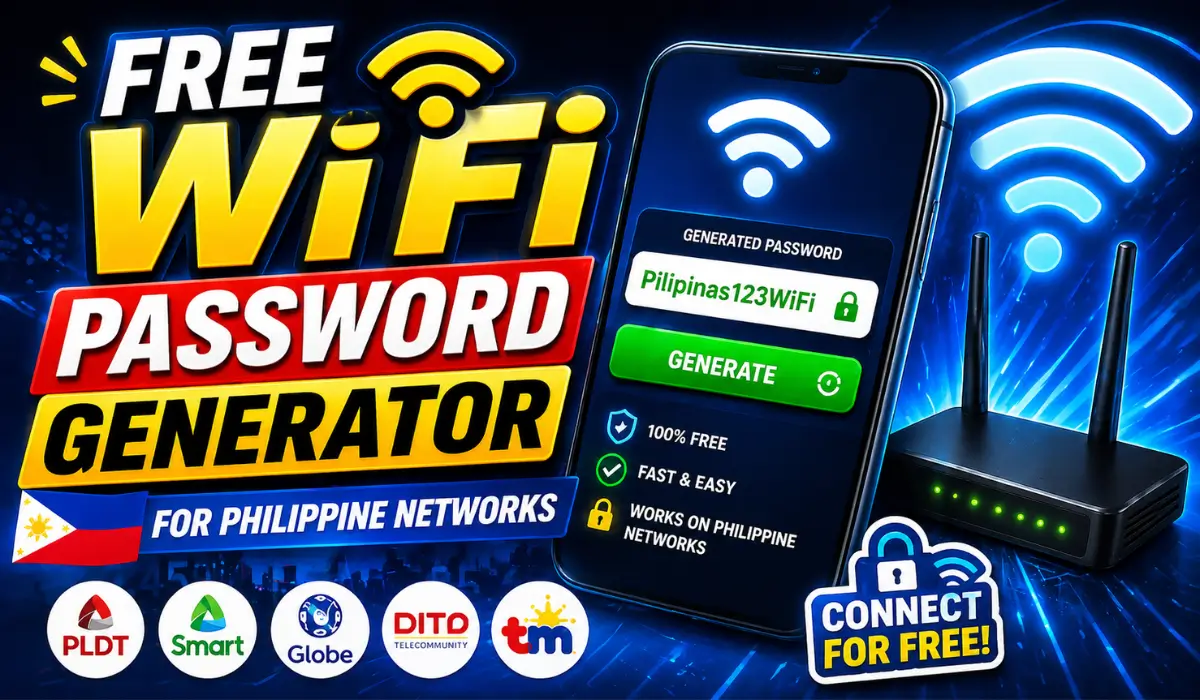
This page on 10.0.0.1 is here to help you fix that in the simplest way possible. Whether you are setting up a new router or just want to upgrade your current password, here is your tool to generate a strong WiFi password right now.
Disclaimer
This website is created for educational purposes only, and all content is originally written by Arif Khan nothing is copied from any source. We are not affiliated with any brand or company mentioned here. If you have any concerns, please contact us directly before taking any legal action.
Why Does Your WiFi Password Actually Matter?
Most people set their WiFi password once and never touch it again. The problem is that a weak or old password is an open invitation for unauthorized access, and you may not even notice
until your internet slows down or your data gets exposed.
Here is what a strong WiFi password protects you from:
| Threat | What Happens Without Protection |
|---|---|
| Unauthorized Access | Strangers connect to your network freely |
| Data Breach | Your private info gets exposed |
| Network Overload | Too many devices slow your connection |
| Online Banking Risk | Financial transactions become vulnerable |
| Privacy Violation | Hackers monitor your internet activity |
A reliable password keeps every device on your network shielded and your personal data where it belongs, with you, which can also help you Fix Slow Wi-Fi Instantly by preventing unauthorized access that may affect your connection speed.
What Does a WiFi Password Generator Actually Do?
A WiFi password generator runs an algorithm in the background that pulls from multiple character sets at the same time. It mixes letters, numbers, and special symbols into a completely random output string that follows no pattern whatsoever.
What makes it better than making one yourself is that it removes human thinking from the process entirely. People naturally lean toward familiar words or dates when creating passwords, and that predictability is exactly what attackers exploit.
The generator produces something unpredictable every single time, making brute force attacks practically impossible with modern technology, especially when managing secure network access like 10.0.0.1 – 10.0.0.0.1 Piso WiFi systems.
Are Generated WiFi Passwords Actually Safe?
Yes, and here is a simple comparison to show why:
| Password Type | Predictable | Complex | Hack Resistant |
|---|---|---|---|
| User Created | Yes | Rarely | Low |
| Generator Created | No | Always | High |
When you create a password by hand, you almost always follow some kind of pattern without realizing it. Generated passwords carry no such pattern. The randomness in the character selection, combined with length and diversity, creates a level of robustness that hand-crafted passwords simply cannot match, which is especially important when securing sensitive network details like What Is My IP Address to prevent unauthorized access.
What Makes a Good WiFi Password?
A good WiFi password is not the one you can remember easily. It is the one nobody else can guess or crack. Here are the three things that make a password genuinely strong:
| Element | Why It Matters |
|---|---|
| Length | Every extra character multiplies possible combinations by billions |
| Character Diversity | Mix of letters, numbers, and symbols prevents brute force |
| Non-Personal | No names, dates, or words tied to your identity |
The minimum recommended length for a secure WiFi password is 12 characters. Anything below that is too easy to crack with modern tools. Go longer whenever you can, especially when troubleshooting issues like 192.168.8.1 Running Slow where network security and performance go hand in hand.
How Often Should You Change Your WiFi Password?
Security is not a one-time setup. Even a strong password can get exposed over time without you ever knowing it. Here is a simple guide on when to change your password:
| Situation | Action |
|---|---|
| Regular Routine | Change every 3 to 6 months |
| After Many People Used It | Change immediately |
| Unknown Devices on Network | Change right away |
| Slow Unexplained Speed | Investigate and change |
| Work or Office Setting | Change whenever staff changes |
The moment you notice suspicious activity or unidentified devices on your network, do not wait for your next scheduled update. Change the password immediately.
Is This WiFi Password Generator Free?
Yes, completely free. No account, no sign-up, no payment, no personal info required. You just open the tool, generate your password, and use it. That is it.
| Feature | Available |
|---|---|
| Free to Use | ✅ Yes |
| Registration Required | ❌ No |
| Payment Required | ❌ No |
| Personal Info Required | ❌ No |
| Unlimited Use | ✅ Yes |
The goal is simple. Everyone deserves access to better WiFi security without any barrier standing in the way.
Can You Customize Your Generated WiFi Password?
Yes. You are not stuck with whatever the tool gives you by default. Most generators let you adjust the output to match your specific needs before you generate anything.
| Customization Option | What It Does |
|---|---|
| Password Length | Set how long your password should be |
| Include Numbers | Add digits to increase complexity |
| Include Special Characters | Add symbols for stronger protection |
| Exclude Confusing Characters | Remove characters like O and 0 that look alike |
The minimum I would personally recommend is 12 characters, but the longer you go the better. A 16 to 20 character password with a good mix of character types is more than enough for home and business use.
FAQs About Wifi Password Genrator
Arif Khan 
Hi, I'm Arif Khan, a qualified Engineer with over 6 years of experience working with router and networking companies across the Philippines. I created 10001loginph.com to help everyday users navigate online platforms with ease and confidence. Alongside my engineering background, I'm also a passionate SEO Expert and Content Writer dedicated to delivering accurate, simple, and reliable digital guides. My goal is simple to make the internet easier for everyone, one guide at a time!